Most “how to find YouTube sponsors” advice still starts with a blank spreadsheet and a famous logo. You copy ten household names, invent a rate, and send a message that could have gone to any company. That workflow feels productive because it produces rows. It does not produce buyers. A buyer is a company that is already purchasing YouTube inventory around creators like you, in a format you can actually deliver, on a cadence you can see.
Sponsorbook exists to make that distinction inspectable. The public catalogue is a capped preview of sponsorship evidence — videos with retained sponsor segments, not contracts, fees, or guaranteed open briefs. The homepage currently states more than 449,000 sponsored videos in the index, matching the audited 25 August 2026 release total of 449,537 customer-visible videos already disclosed in YouTube sponsorship trends 2026. That scale is useful only if you can name a specific brand, a specific video, and a specific reason it belongs next to your channel.
The spreadsheet problem
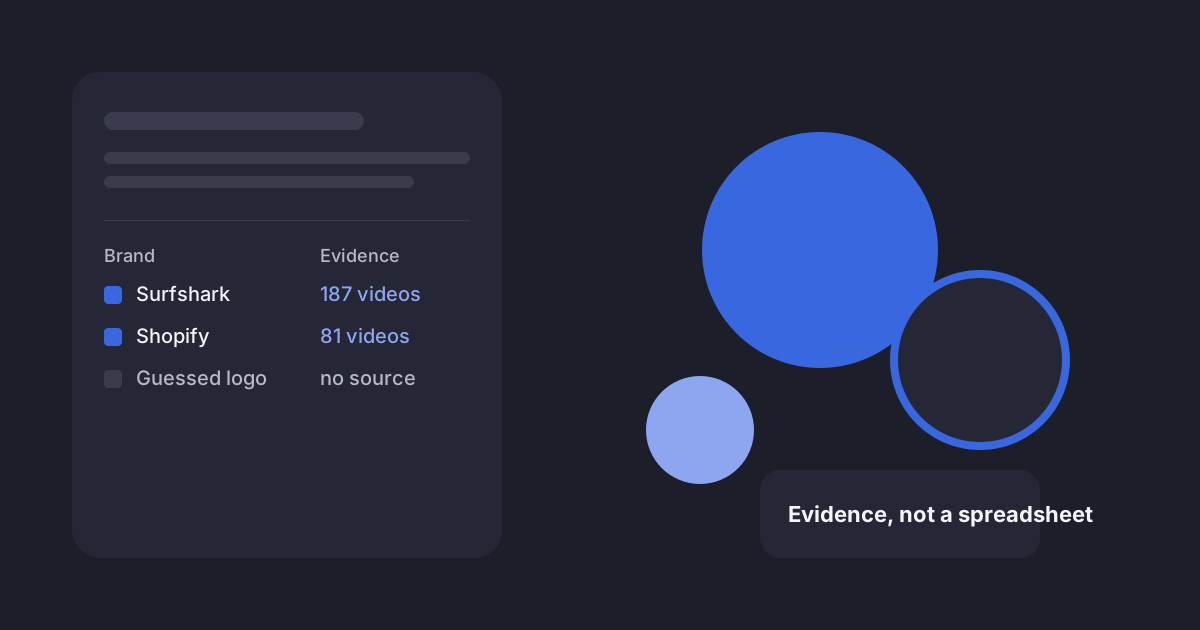
A prospecting sheet usually fails in the same four places. The brand has no source video, so you cannot prove you researched anything. The date is missing, so a 2023 placement looks as current as last month. The product has no home in a real upcoming episode, so the pitch stays generic. The contact is guessed, which is how creators end up writing to press@, info@, or a role that never buys YouTube.
Those gaps are not a discipline problem. They are an evidence problem. If you cannot click through to the placement, you cannot describe the integration. If you cannot see whether the brand is still appearing on adjacent channels, you are pitching a memory of the market rather than the market.
- A name without a video is a logo. You have nothing the recipient can recognise as their own campaign.
- A video without a date cannot tell you whether the buying window is open, cooling, or already over.
- A date without a creative precedent does not tell you whether your format — host-read, dedicated, tutorial, review — is even in their mix.
- A precedent without a contact path still is not a send. Guessing an address is a separate, avoidable risk.
Replace the blank sheet with a provenance sheet. Every row needs the source channel, the brand, the latest visible sponsored video, the publication date, a one-sentence fit note, and a contact-path status. Empty cells stay empty. They are research tasks, not invitations to improvise.
Use similar channels as the search query
The fastest useful starting point is not “brands in my niche.” It is three to five channels that already sell the same viewer context you sell. The dedicated walkthrough is how to find YouTube sponsors using similar channels. This article is the broader commercial version of that method: how to go from a messy market to a shortlist you can defend.
- 1Pick reference channels for commercial context, not subscriber twinsMatch the content promise, language, typical long-form delivery, and integration style. A 40,000-subscriber specialist can be a better reference than a 400,000-subscriber generalist.
- 2Collect every visible sponsor with a path back to the videoWrite the channel, brand, video title, date, and URL. Merge duplicate companies so recurrence across channels is visible on one row.
- 3Move from the creator side to the brand sideA single placement can be a one-off. The brand record shows whether that placement sits inside a wider 12-month pattern.
- 4Reject before you scoreIf you cannot name a video where the product belongs, or the only evidence is old, pause the row. A short honest list beats a long decorative one.
You can run the first pass on YouTube itself. It is slower, and you will miss brands that do not announce themselves in the title. Sponsorbook’s workspace search is built for the channel-in, brands-out direction: look up a reference channel, read the sponsor history, then open the brand. The Chrome extension is the in-tab version of that lookup while you are already watching. Neither surface reveals a fee or a Fit score on the public web; those remain workspace features, and Fit only appears when a YouTube channel is connected.
Inspect brand cadence, not brand fame
Fame is a poor proxy for a live YouTube brief. The public brand directory still showed, on 7 October 2026, a set of Active buyers whose 12-month sponsored-video counts you can click into. Use those rows as examples of what “current” looks like in the published snapshot. Do not treat them as a ranking of spend.
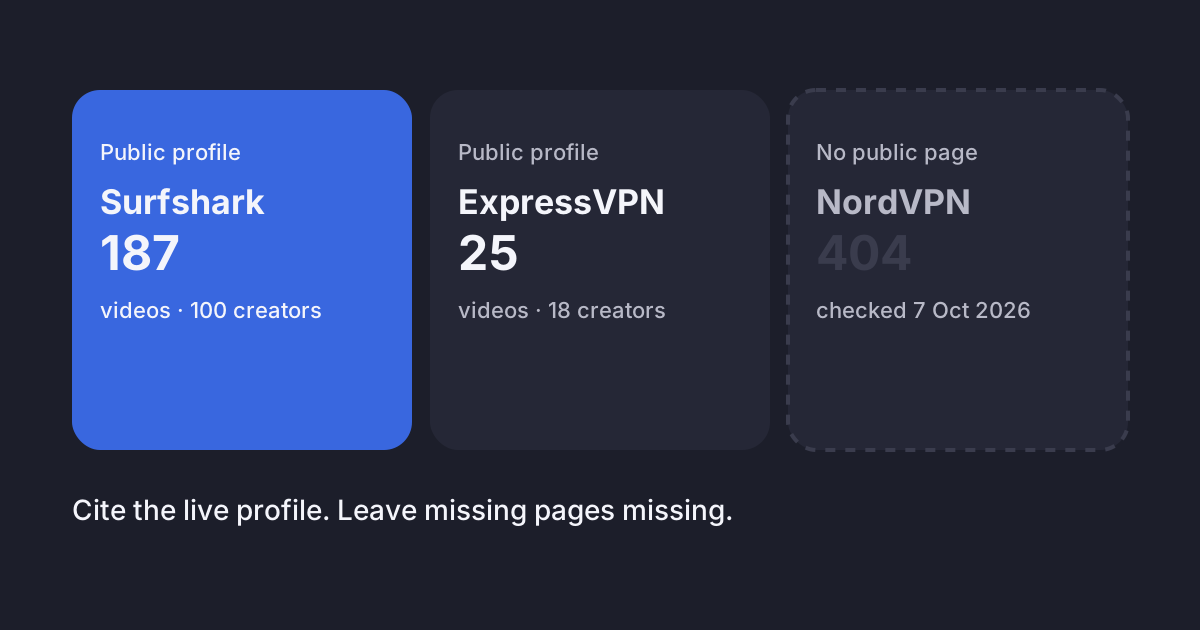
Surfshark is a clean example of cadence you can actually inspect. The public profile showed 187 sponsored videos across 100 creators in the last 12 months, with named recent partners including VisualPolitik and Onion Man, and monthly rows for May (16), June (16), and July 2026 (14). August showed 0 in the four-month sparkline because the published snapshot’s August window is incomplete — not because the brand obviously left YouTube on 1 August.
Shopify sat on the same Active table with 81 sponsored videos across 42 creators. Recent public examples included Rotten Mango (23 July 2026) and fern (15 July 2026). That is enough to write an evidence sentence. It is not enough to infer a rate card, an exclusive, or that Shopify wants your channel.
Build a shortlist you could defend to a sceptical manager
Ten researched companies beat a hundred famous tabs. For each surviving row, you should be able to say: where you found it, why the audience overlap is real, which video you would put the product in, and what you still do not know. The unknown column is the honest part. If the contact path is blank, the next action is research, not a guessed send.
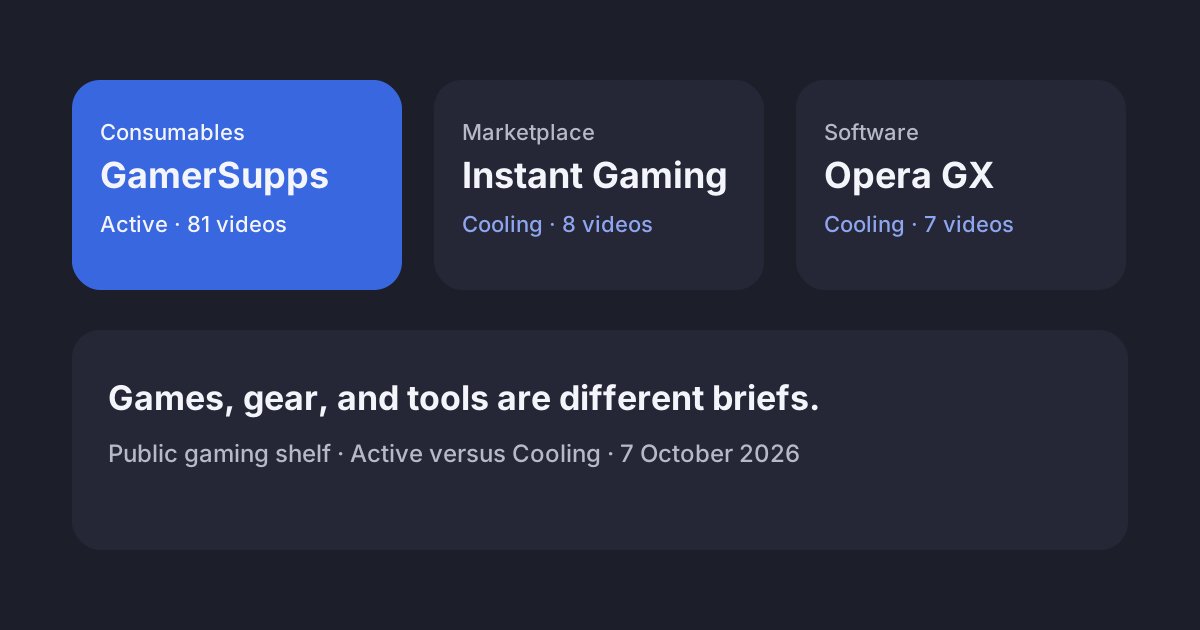
If you work a specialised niche, stay in that niche’s public shelf before you chase household names. Gaming sponsors and VPN brands on YouTube are the same method applied to two verticals where the public catalogue is dense enough to compare Active and Cooling side by side. Small channels should also read what the subscriber data actually shows before treating 10,000 subscribers as a gate.
A pitch template that starts from the evidence
Do not write the email until the row can supply the opening sentence. The longer, annotated version lives in the research-backed YouTube sponsorship email template. The compact version below is what the shortlist is for: one observation, one audience fact you own, one video, one next step.
Subject: [working title] — [product] for [specific audience]

Hi [name],

I saw [brand] in [creator or video] on [date]. The integration sat inside [specific viewer problem or format], which is the same job my channel does for [audience in one sentence].

Recent comparable videos average [first-party view figure you can defend]. I’m planning [working title]. I would integrate [product] by [one-sentence treatment].

May I send a one-page concept and the channel breakdown?

Best,
[name]
[channel URL]
Worked example, using only public evidence: “I saw Shopify appear in fern’s 15 July 2026 video and in Rotten Mango’s 23 July interrogation recap. Both placements sit in story-driven long-form where the host already talks about making and selling things.” That sentence is legal to send only if you then attach your own audience fact and a real episode. It does not claim the creators are still booked, that Shopify is accepting inbound mail, or that those two videos converted.
Where the public web stops and the workspace starts
Public brand and creator pages are a research on-ramp. They will show you a 12-month count, a status, a handful of creators, a handful of videos, and similar brands. They will not show you a fee, a Fit score, a full roster, or an email address. Those sit in the signed-in research workspace. MCP is the same workspace as tools, on a Pro plan, if you would rather look this up from an assistant than a browser tab.
If you are choosing a research product rather than a marketplace, start at how Sponsorbook compares. Sponsorbook does not apply you to campaigns, take a commission, or send the email. It keeps the paper trail: who appeared, in which video, on which date, around which creators.
Frequently asked questions
How do you actually find YouTube sponsors without guessing?
Start from three to five channels that serve the same viewer in a similar context, collect the brands in their recent sponsorship histories, then open each brand’s public record to see whether the activity is current, repeated, and creatively relevant. A famous logo with no adjacent evidence is still a guess.
Where can I see which brands are currently buying YouTube?
Sponsorbook’s public brand directory lists companies with retained sponsorship evidence and labels the busiest ones Active. The 7 October 2026 check showed Surfshark, Incogni, Saily, Ground News, Shopify, and GamerSupps among the live Active rows. Typical views, repeat-partner detail, Fit, and contacts stay behind sign-in.
Is a spreadsheet of random brand emails a good prospecting system?
It is a filing system, not a research system. Without a source video, a date, and a reason the product belongs in your next episode, you cannot tell a live buyer from a logo you recognise. Provenance is what turns a name into a pitch.
Does Sponsorbook give me the brand’s phone number or a guaranteed reply?
No. Public pages are capped previews of sponsorship evidence. Contact reveal, where a reviewed directory row exists, is a paid workspace action. A contact-research request is a request to investigate, not a promise that a person will be found or that they will answer.
Methodology and limits
Brand counts, Active labels, named creators, and monthly sparklines were copied from public pages on www.sponsorbook.io on 7 October 2026. Catalogue scale (449,537 customer-visible sponsored videos) is the audited 25 August 2026 identity-v10 release figure already published in the 2026 trends report; this article does not add a year-over-year growth rate. A sponsored video is a YouTube upload with at least one retained sponsorship-evidence segment. Public pages are a capped snapshot. Recheck any named example before you put it in an email, because later publications can change counts, status, and sample videos.
Sources
- Sponsorbook public brand directory
- Sponsorbook public creator directory
- Surfshark YouTube sponsorships
- Shopify YouTube sponsorships
- How to find YouTube sponsors using similar channels
- YouTube sponsorship email template
- YouTube sponsorship trends 2026
- YouTube: Tips for getting brand deals
- Sponsorbook Chrome extension
- Sponsorbook MCP